Versofy HOME
Versofy is on a mission to protect the environment and reduce dependency on traditional power grids. With a strong focus on customer-centric technology and user-centered design, we set out to help Versofy create a seamless, intuitive solar management experience through innovative mobile app design.
Versofy approached Glucode to redesign their app's user interface (UI) and enhance the mobile UX, aiming to align the app with their evolving vision in the solar industry.
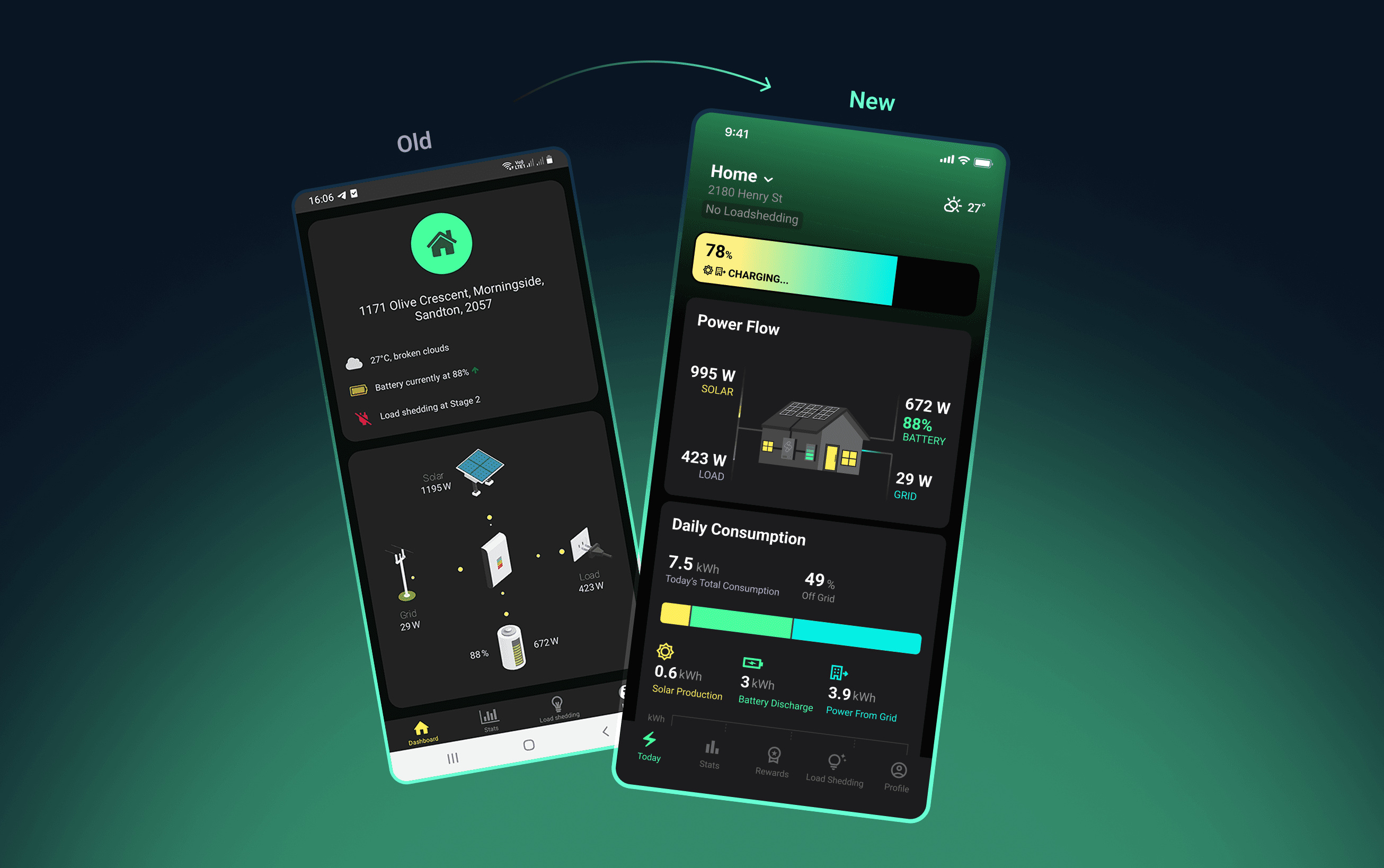
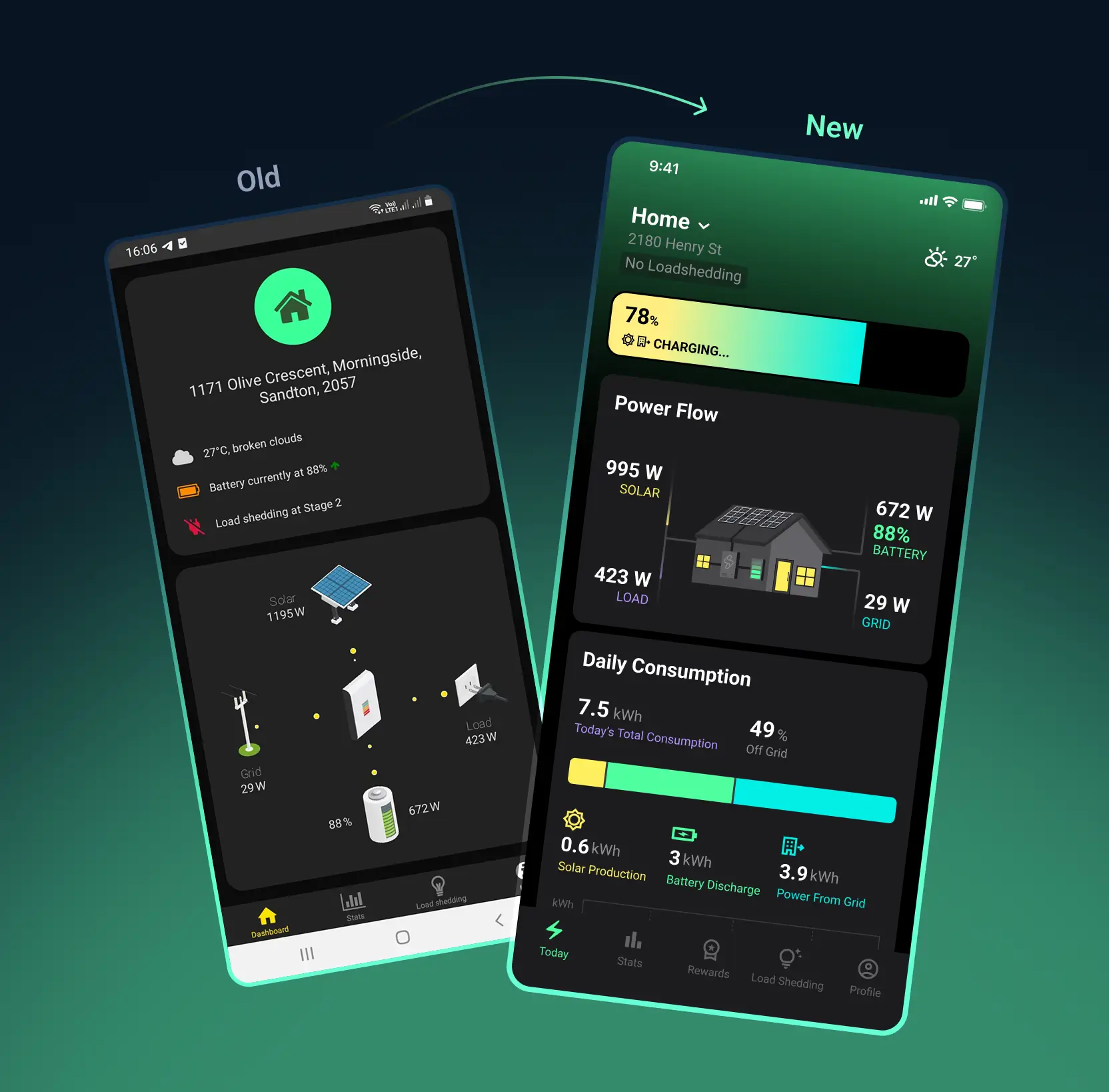
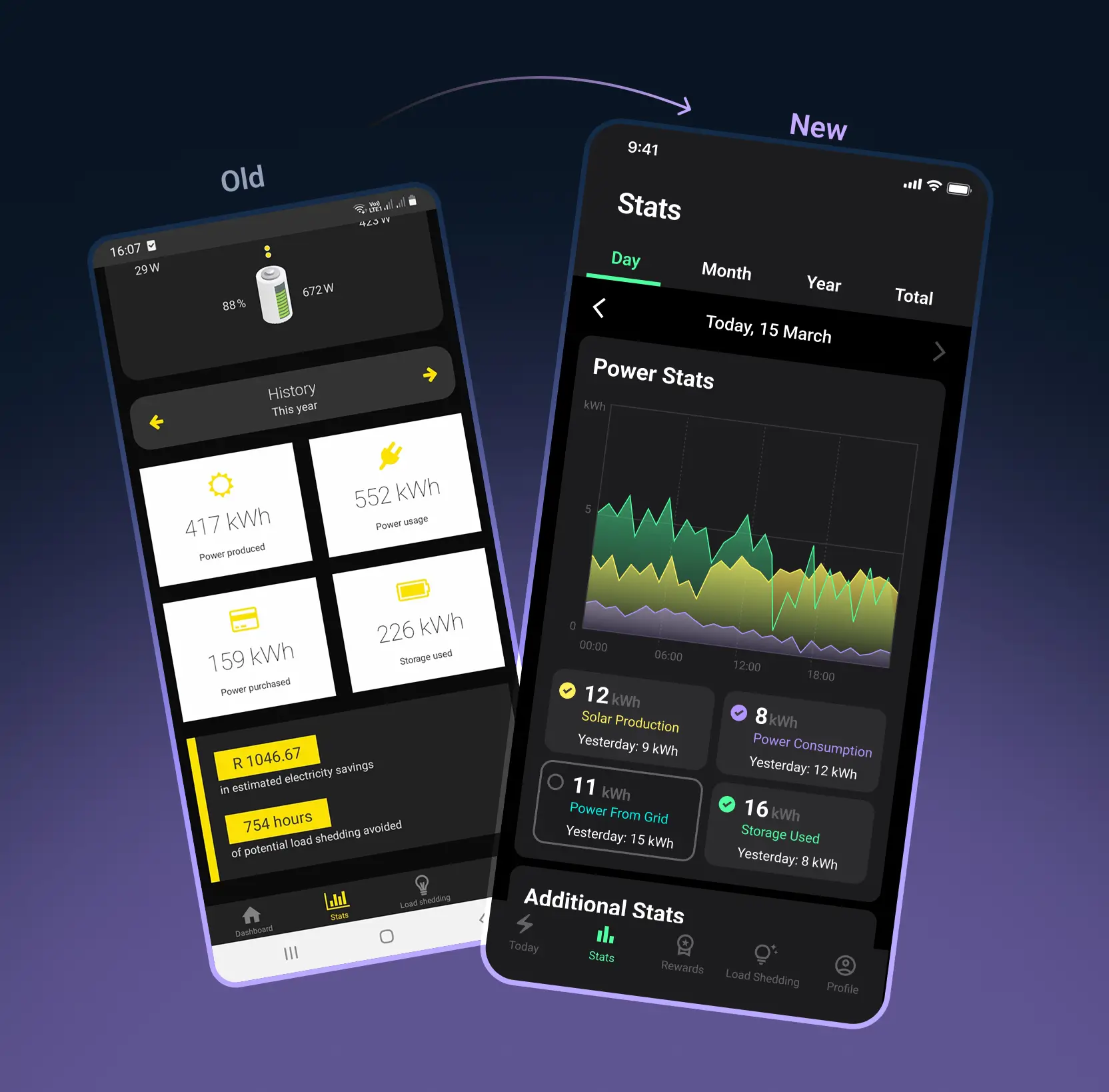
While the original Versofy app had a solid backend, it lacked a cohesive, user-friendly experience. The interface was functional but didn't provide a familiar user journey for navigating battery status, loadshedding schedules, power flow, consumption, and savings. Visually, the app needed to stand out against competitors, offering an engaging mobile interface design that matched Versofy's innovative approach.

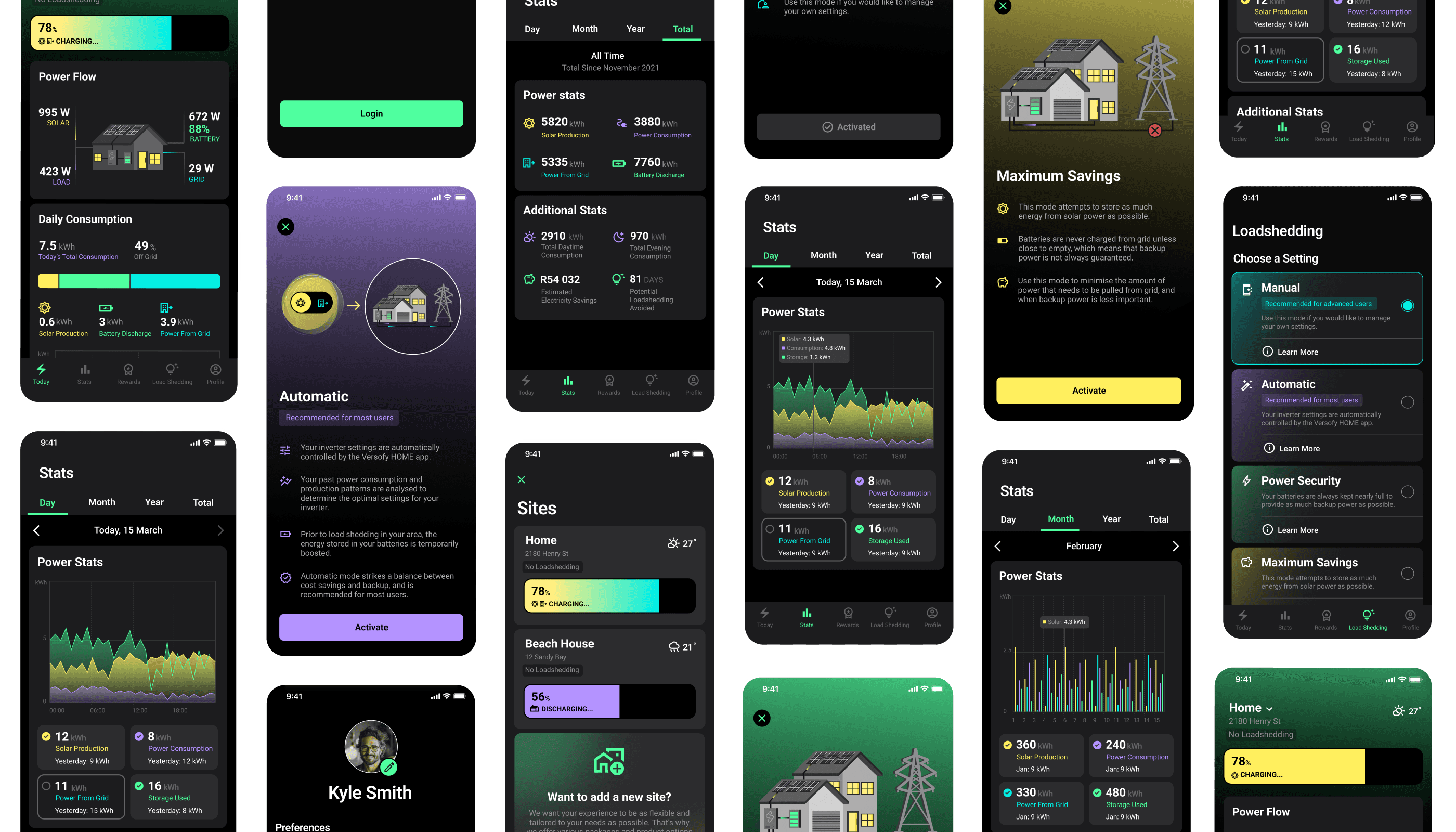
Our process kicked off with discovery sessions alongside the Versofy team to understand their goals, user needs, and the technical landscape, including the hybrid app platform in use.
These discussions shaped our design thinking strategy, focusing on simplicity, clarity, and familiarity. We conducted thorough user research, analysing similar apps and industry standards to identify opportunities for improvement in both the UI and UX of the mobile app.
We redesigned the app with a clear focus on functionality, ease of use, and clarity, employing a user-centered design approach. Our first step was to simplify the information architecture and navigation structure.
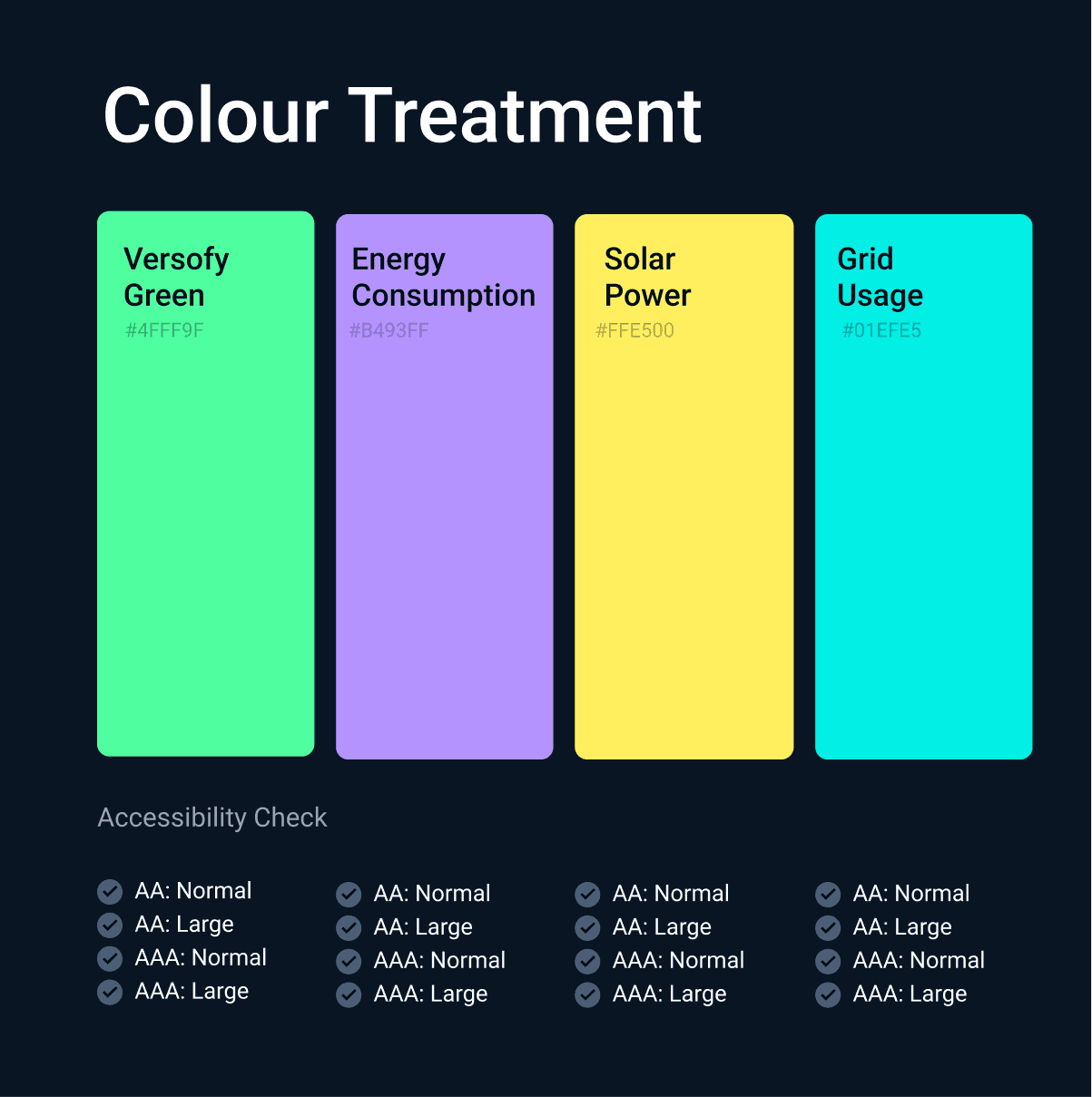
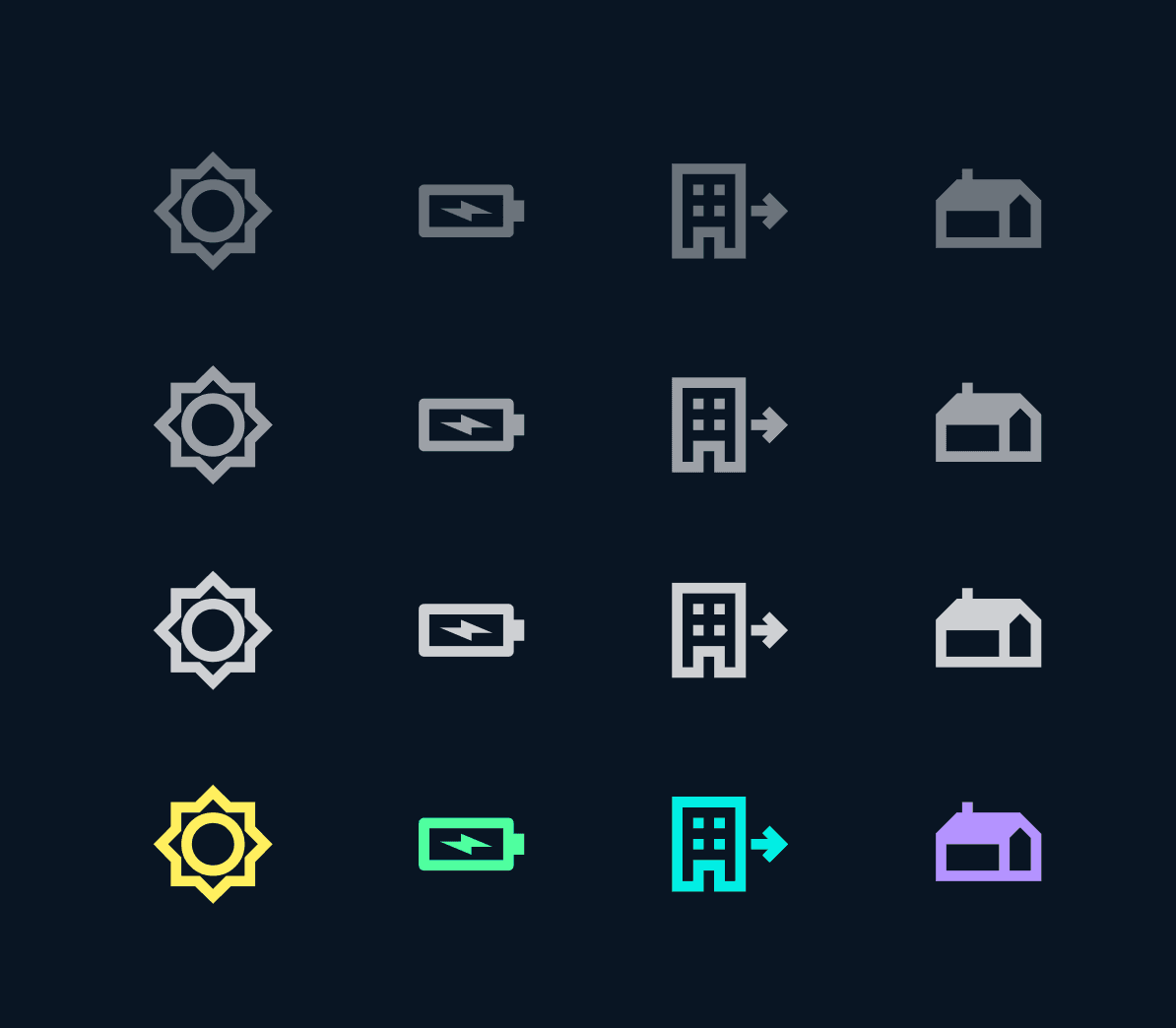
Unnecessary layers were reduced ensuring that users could find key features quickly. The new layout allows users to access battery status, power flow, and loadshedding schedules directly from the home screen, optimizing the user flow. For the interface, we focused on clean typography and a consistent design system
Core Features
Today View
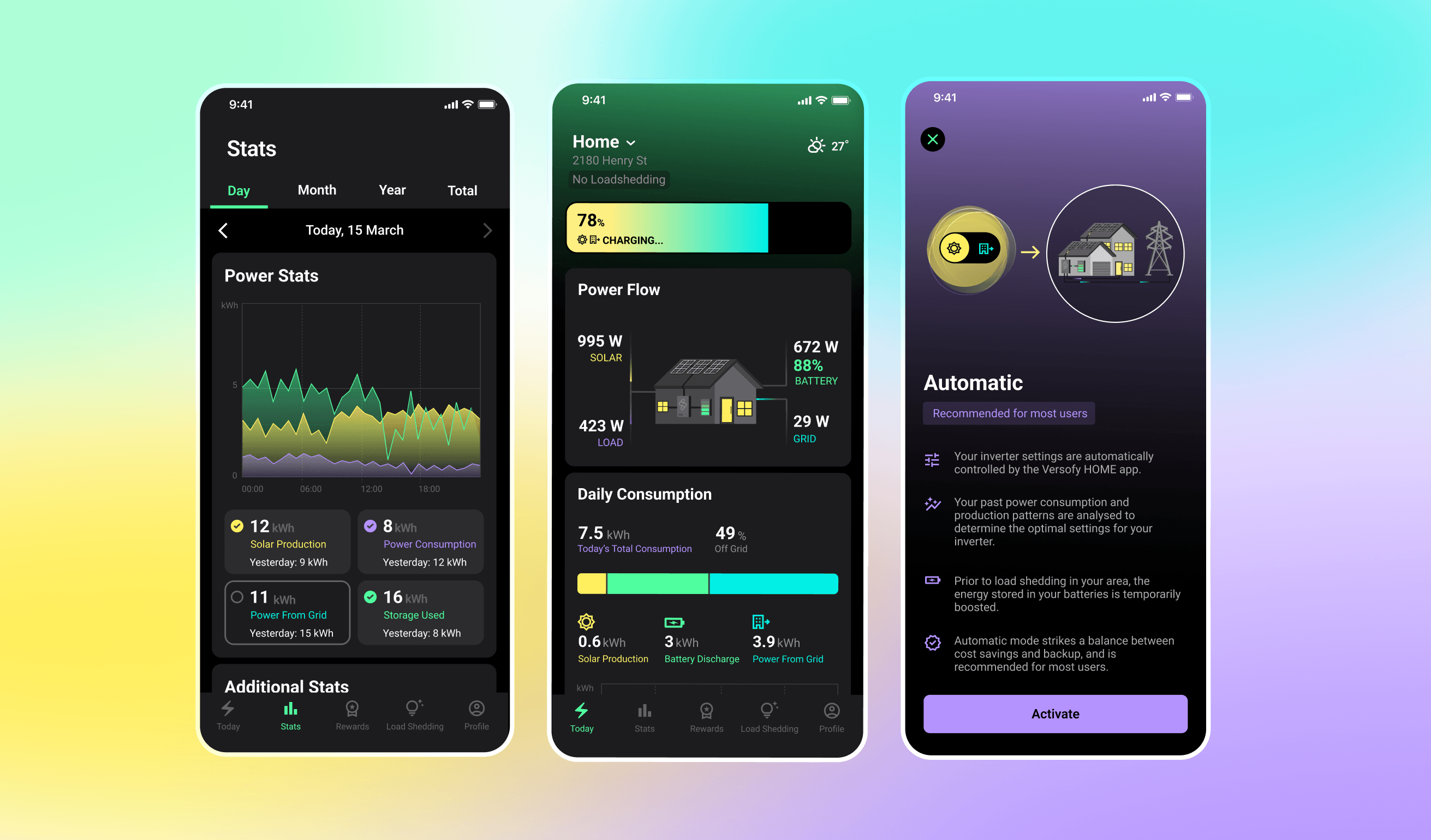
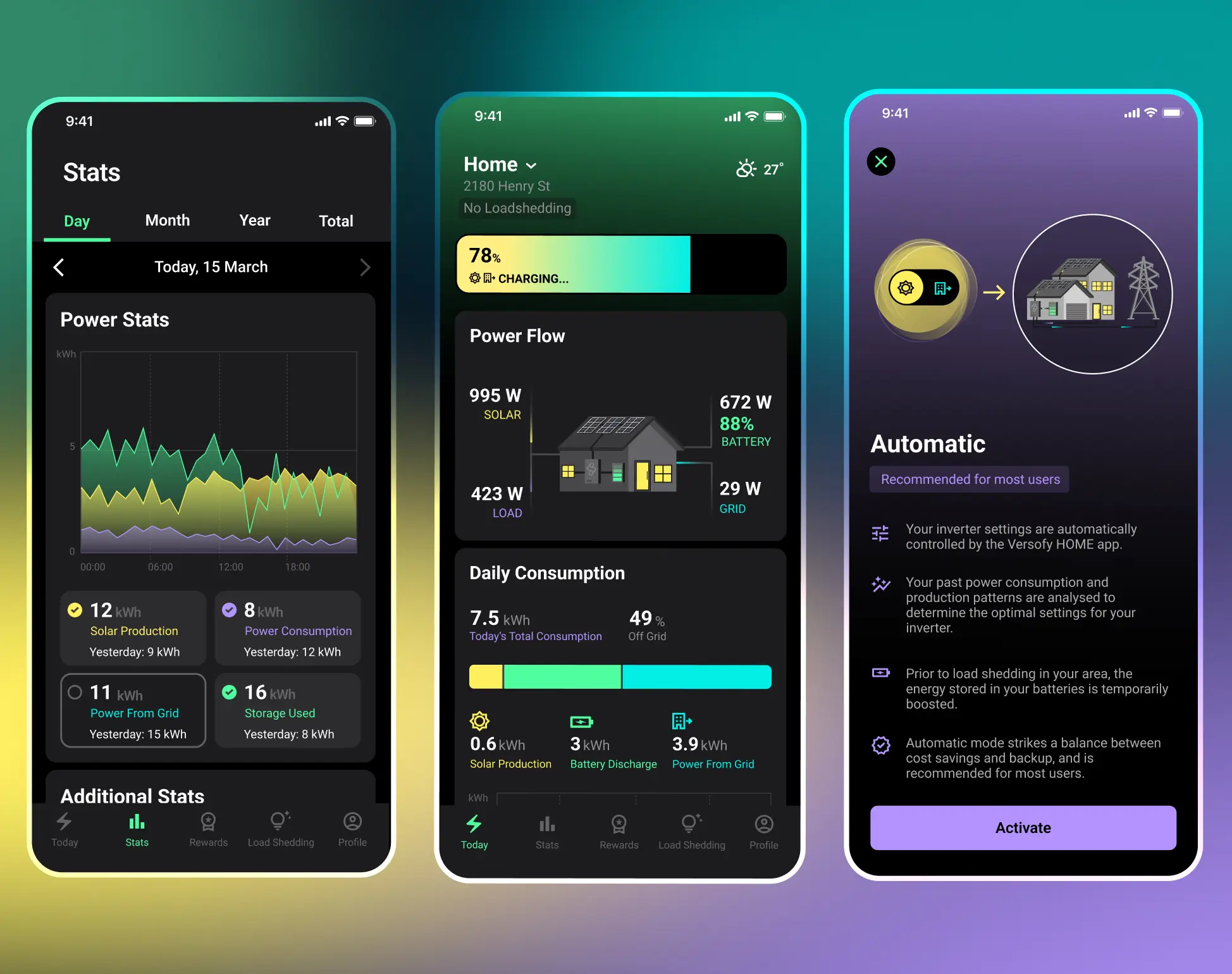
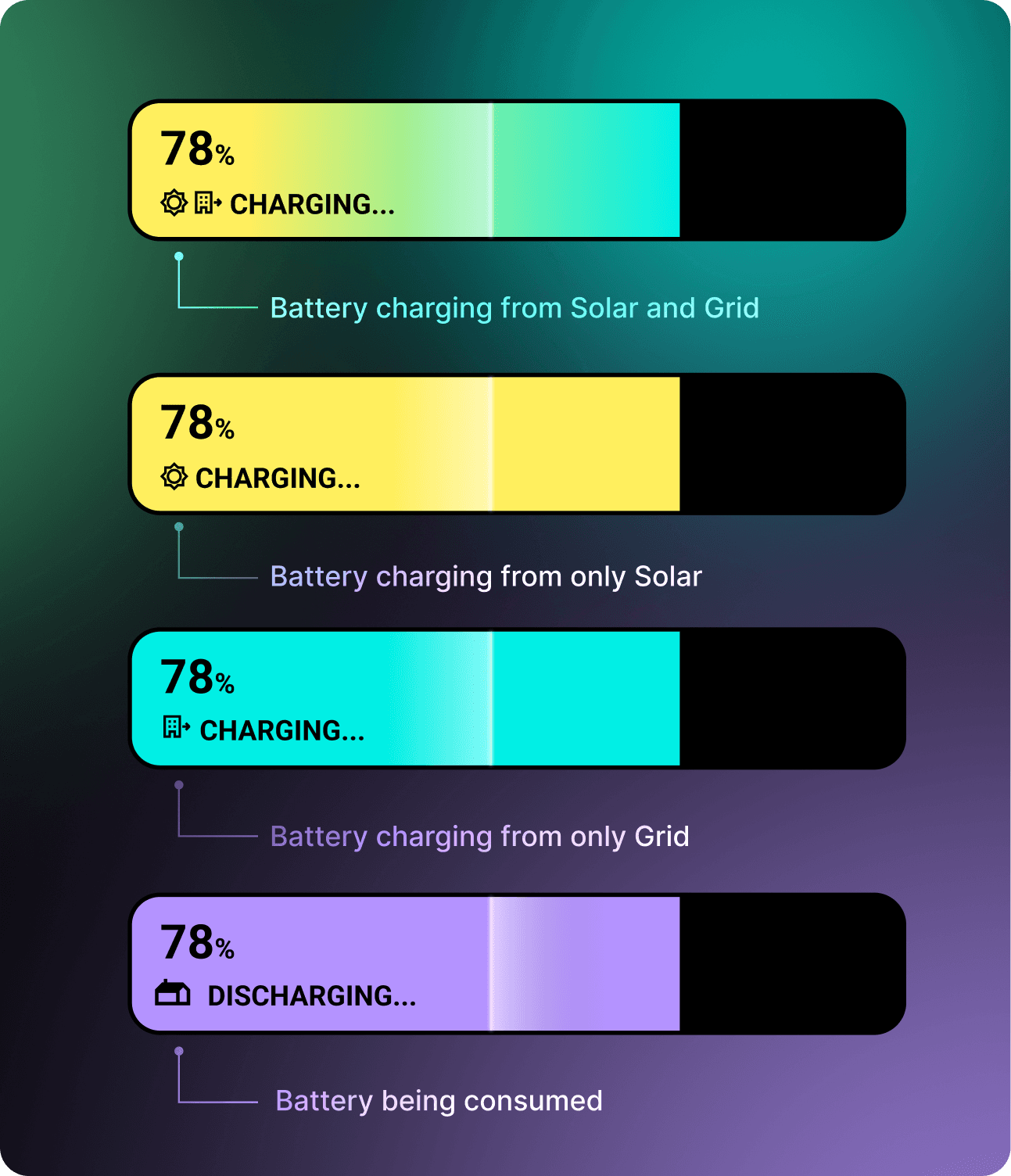
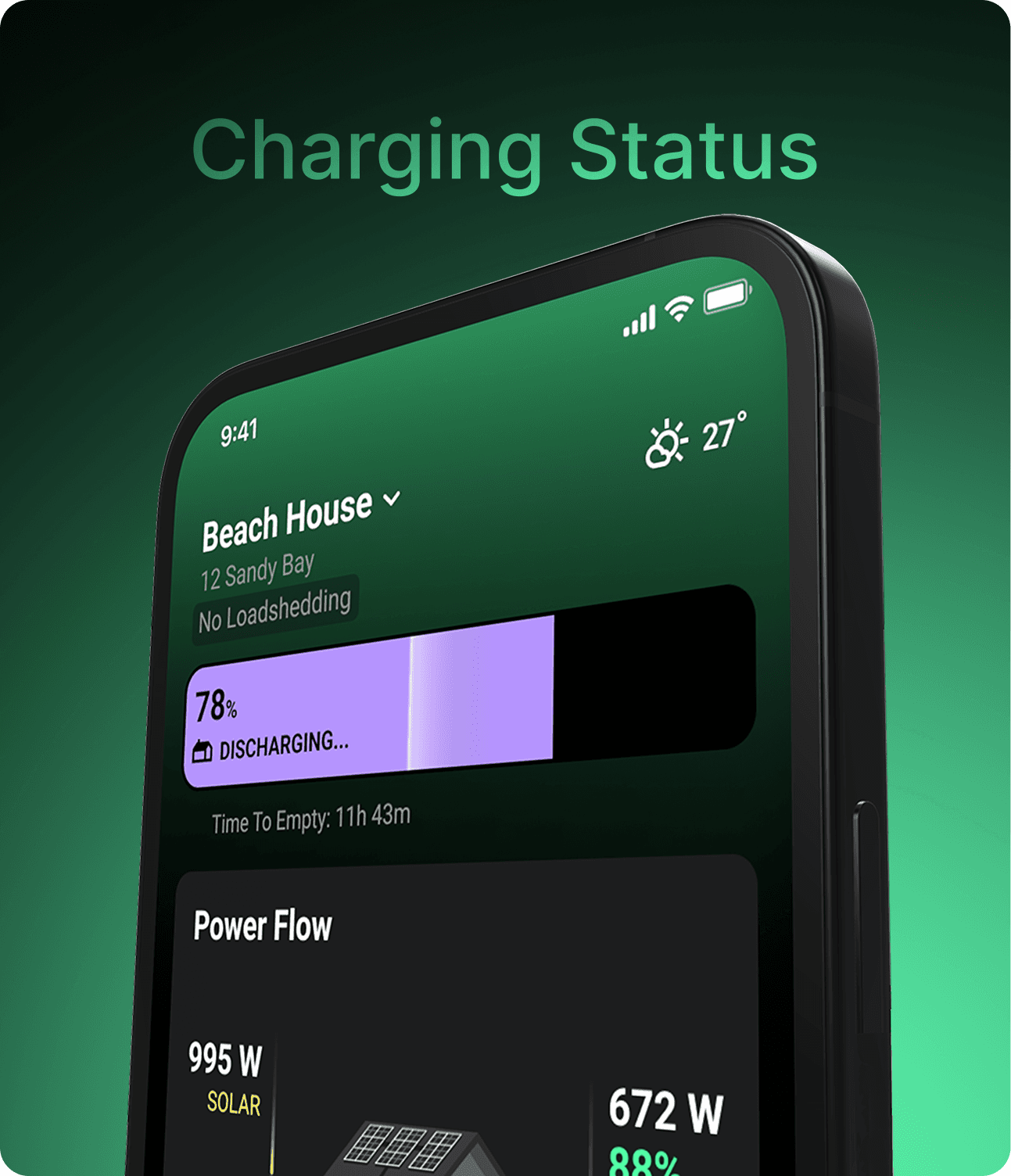
The Today tab puts the most important information front and center. Users can quickly see their current loadshedding status, battery charging levels, energy consumption, and power flow. The layout is clean and intuitive, making it easy to get a snapshot of their solar-powered home at any time, exemplifying effective interaction design.
To provide real-time feedback, we incorporated subtle animations that indicate battery charging and discharging states, along with visual cues for power flow. These animations are functional, designed to enhance the user's awareness of their system's performance without causing distractions, a key consideration in mobile UX design.
Stats View
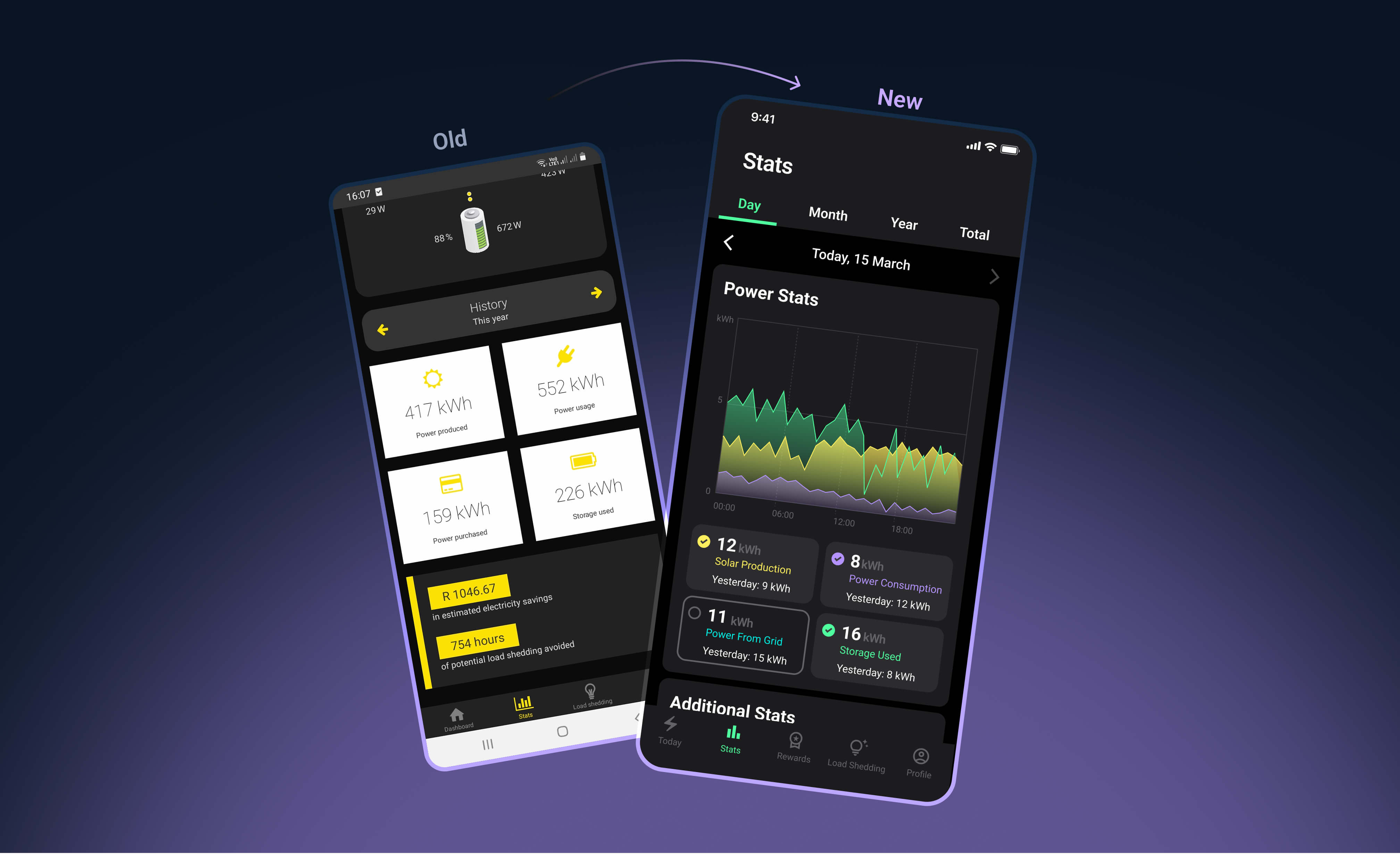
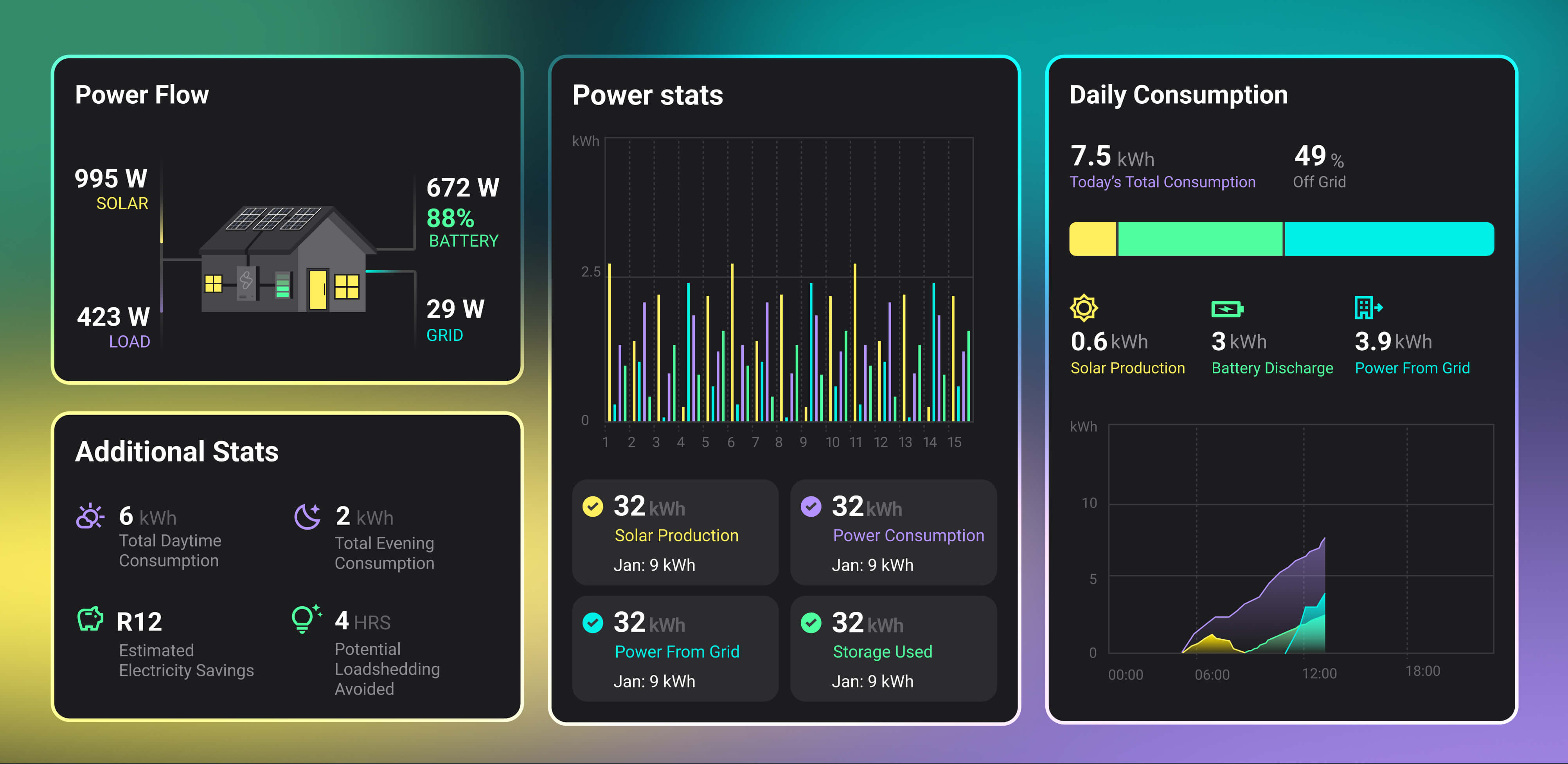
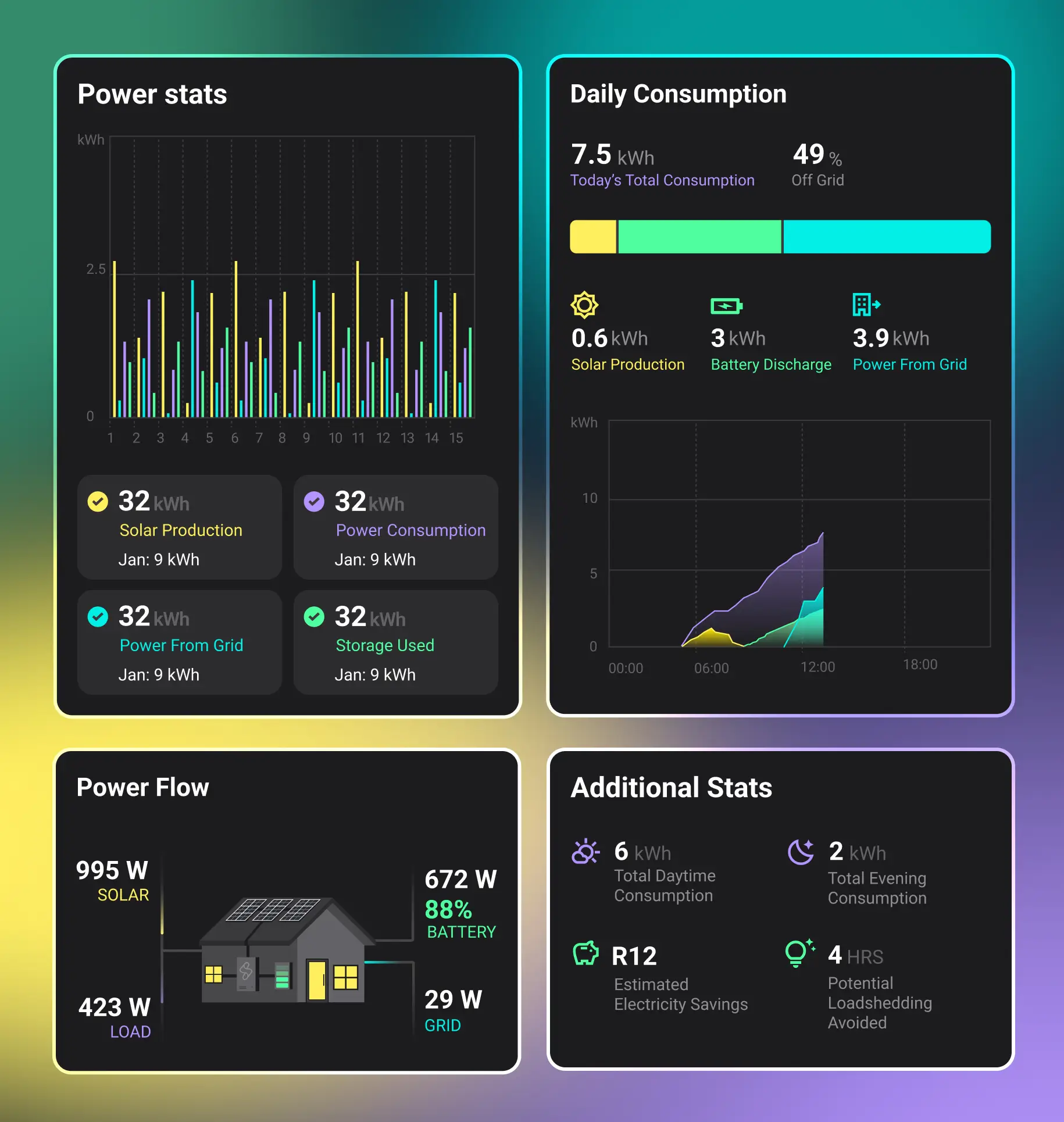
The Stats feature helps users dive deeper into their energy data. It provides a detailed breakdown of solar production, grid usage, and battery storage, all displayed through clear, easy-to-read graphs. With flexible filters, users can track energy trends over time and get insights into their consumption patterns, showcasing the power of visual design in presenting complex information.
Loadshedding
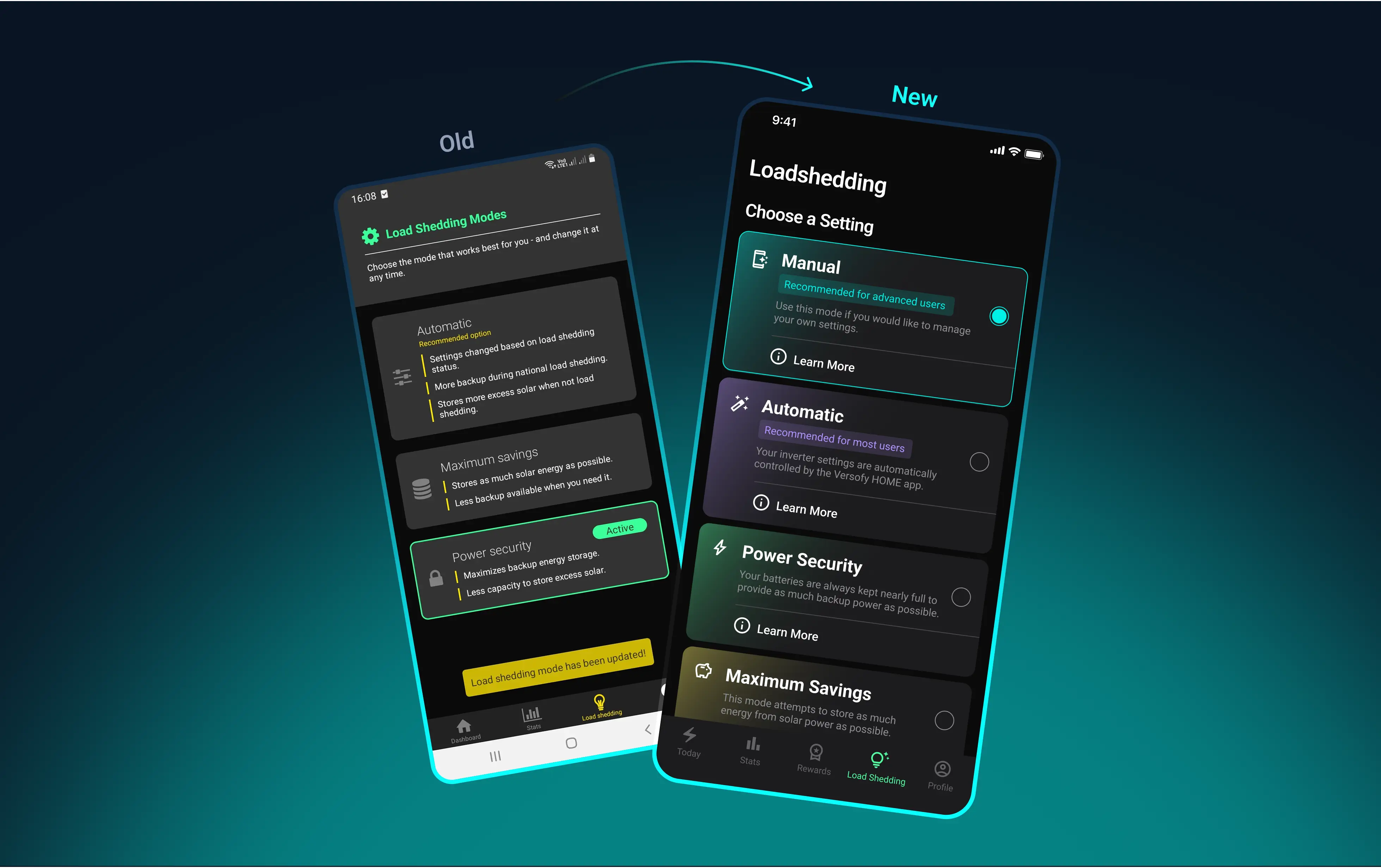
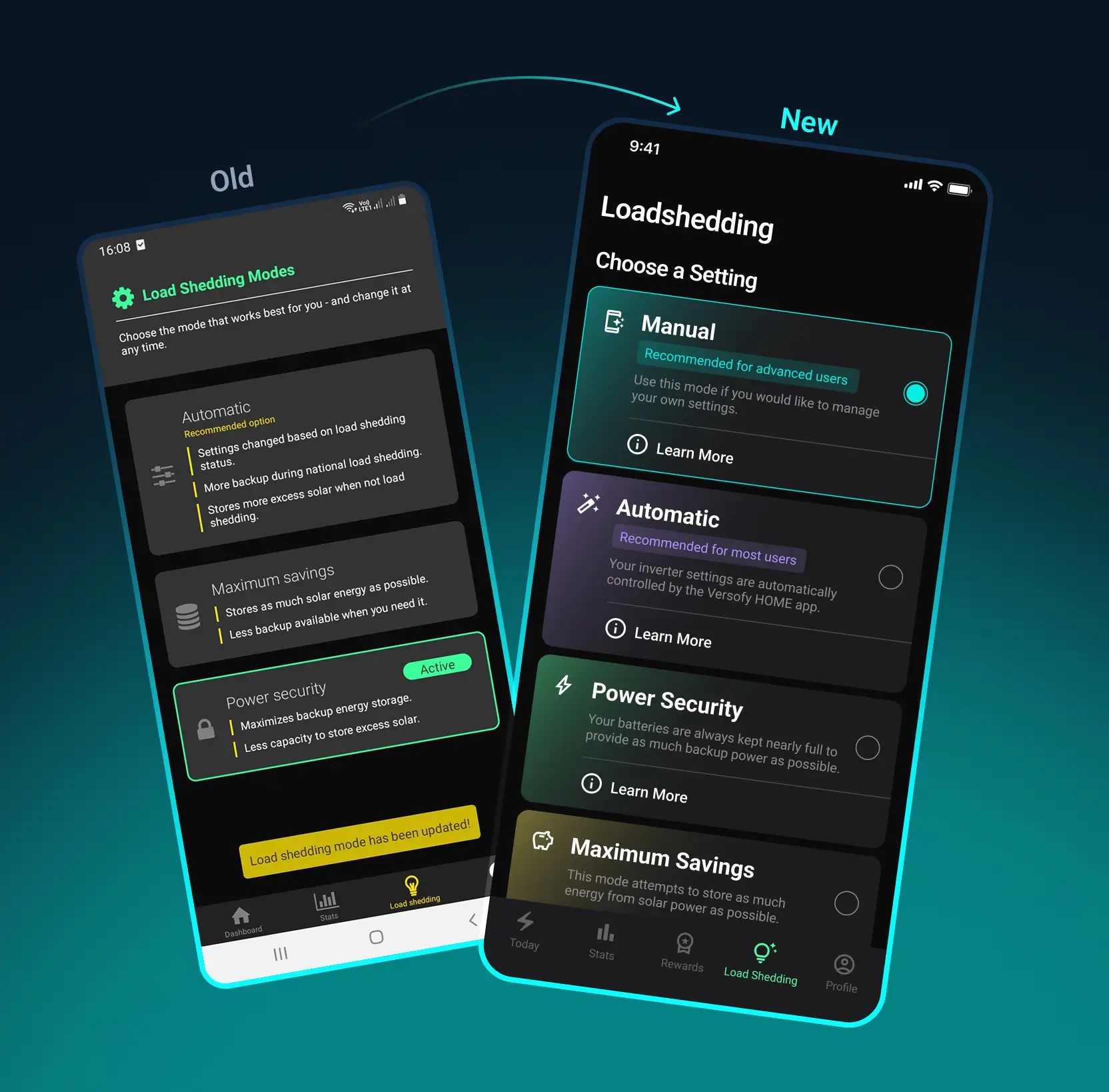
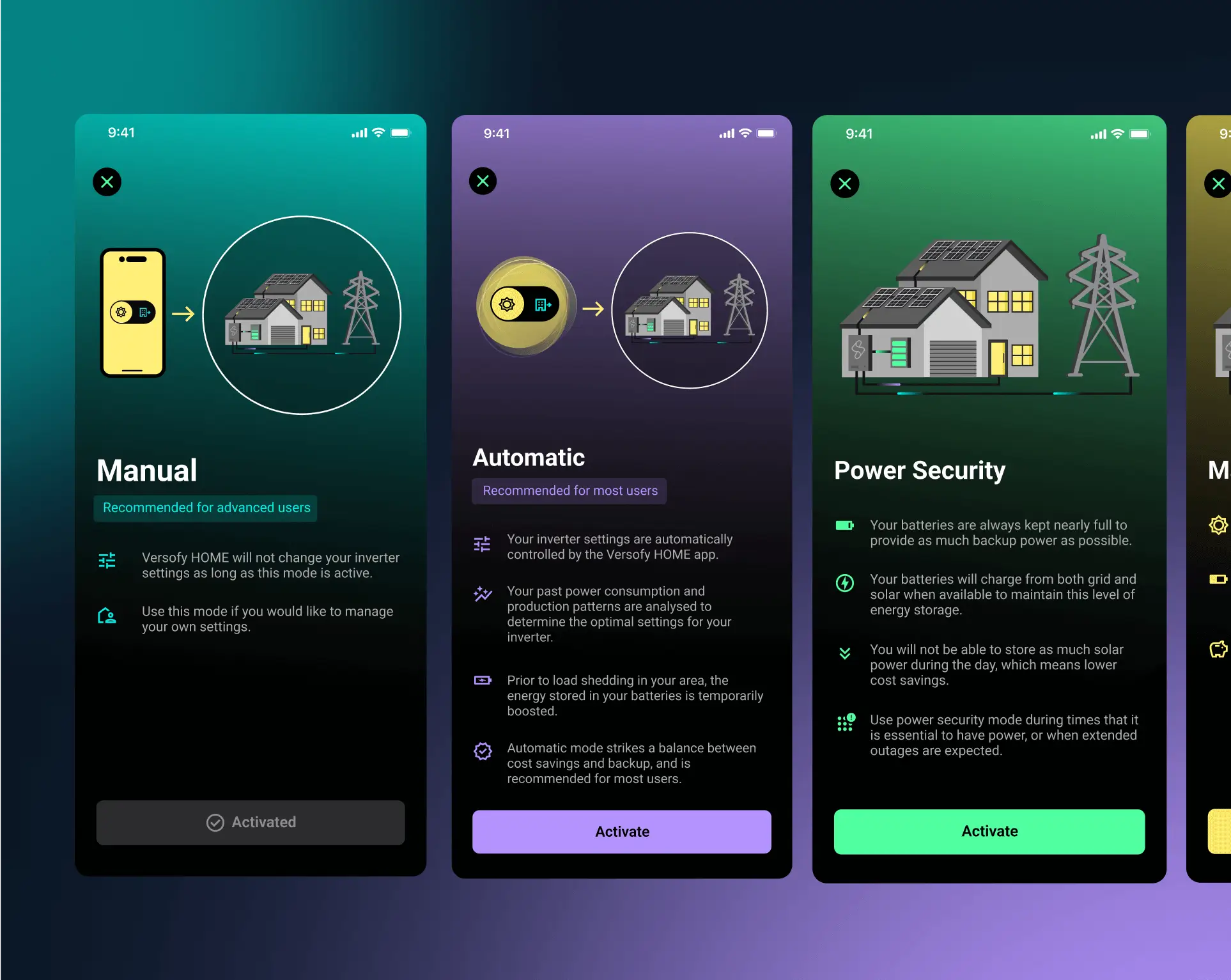
The Loadshedding feature makes it simple for users to manage their system preferences. We designed clear, card-based options with concise explanations, so users know exactly how their settings will affect performance during outages. It's straightforward, informative, and helps users stay in control with minimal effort, demonstrating our commitment to user-centered design principles.
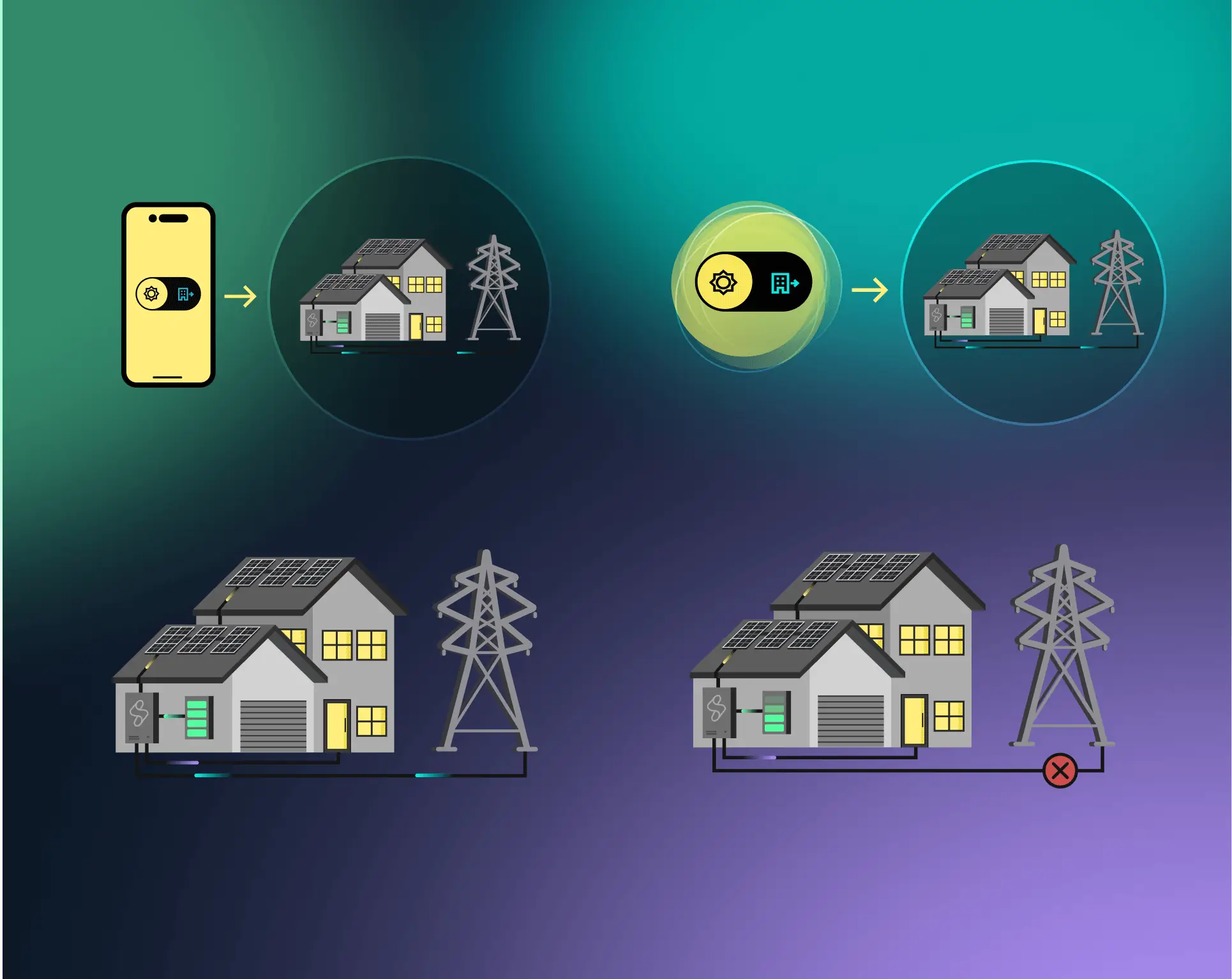
Additionally, custom illustrations were created to assist users in understanding the setting at a glance, enhancing the overall user experience through thoughtful visual design.